
10-19 to 20 Mount Vernon-Tired Student-Burning Farmhouse


October 19-20, 2015, Mount Vernon, Iowa

We arrived at the Sleep Inn in  Mt. Vernon, Iowa without difficulty. We were unable to reach our son Rollin by phone--but he was in his dormitory at 10th Ave. Rollin looked terrible, the effects of weeks of intense study and a looming final exam. He was typing away the paper for creative writing.  He was two days away from his final exam when this picture was taken.


 We stayed an extra day to cheer him up, got him some clothes, and had dinner with him a couple of times. He seemed much happier by the time we left.

We usually don't travel further west than Iowa in a car. Tomorrow we take the plunge into the unknown. I have not taken car trip cross-country since I was five years old, and Anne has not taken such car trip in over 20 years.


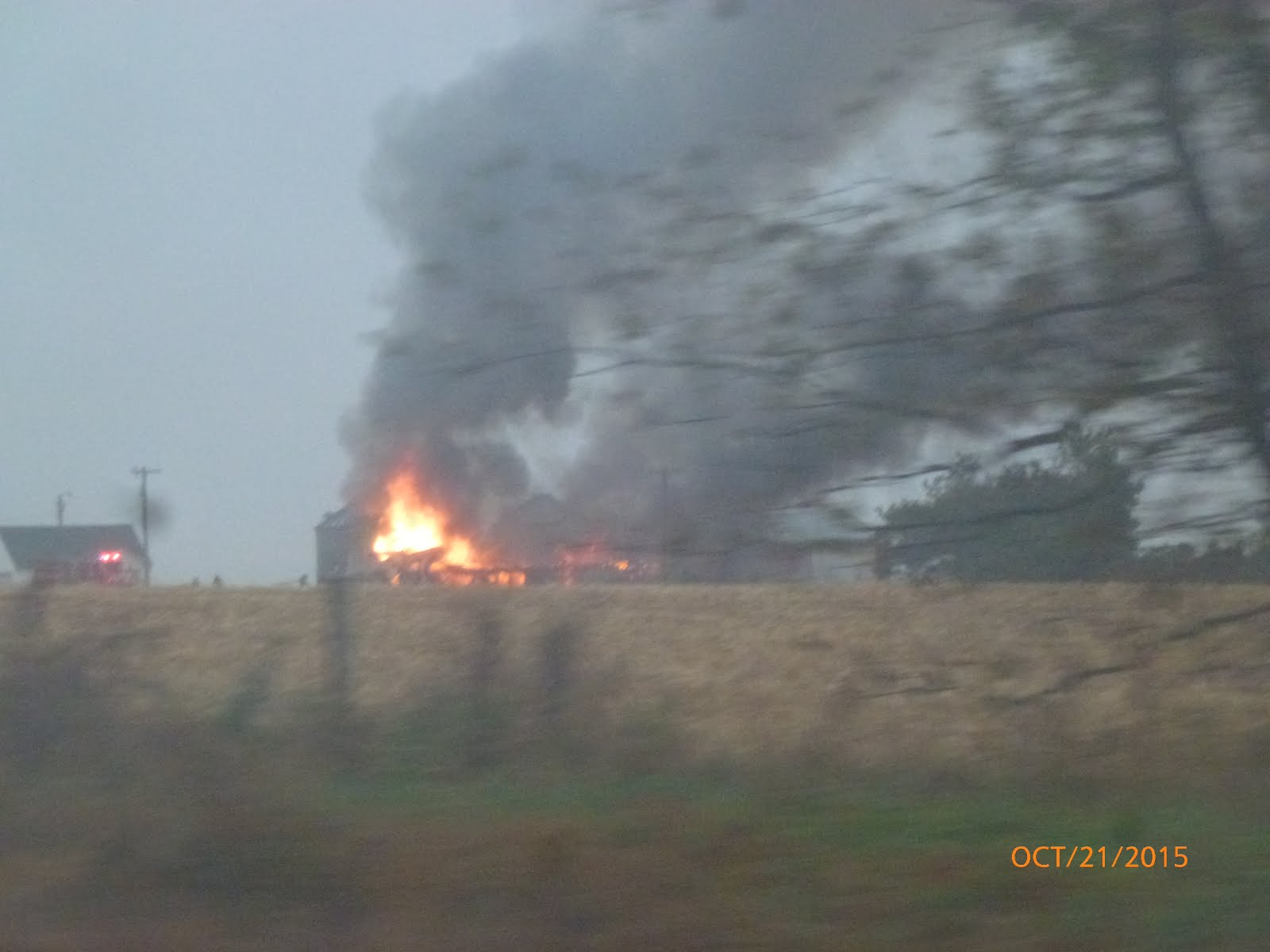
Trip was uneventful, except for the burning farmhouse we passed on the way out of town;

Comments

Popular posts from this blog

Installing HR Block Tax Software in Ubuntu Linux using Codeweavers Crossover

Running HR Block 2017 Tax Software in Ubuntu Linux  Using CodeWeavers Crossover 2017 US taxes are due to be filed by midnight on April 18, 2018. It will surprise no one that a lot of people have waited to the last minute to start filing. At 9:30 PM, I got a call from a young relative who needed to do his taxes for the first time ever. He is a Linux enthusiast, and does not have a Windows or Apple/Mac computer. I thought I would try installing HR Block 2017 Tax Software on the Linux side of my laptop. 1) Obtain and install Codeweavers Crossover for Linux This software allows you to run many Windows apps in Linux-- https://www.codeweavers.com/ 2) Download the HR Block Windows tax software package. This year, its available from www.hrblock.com/2017/DELUXEWIN You will need an activation code, which should be provided when you buy the package. The default download location is /home/yourname/Downloads/ The app’s ...

The Big Reset

A lot of people are very upset about global financial conditions these days.   Almost everyone I know is struggling to make ends meet, and failing at it.  Debt levels are high, wages are not keeping up with inflation, our standards of living are going down year by year.  The most likely endpoint of this process, for most of us, seems to be bankruptcy--But bankruptcy is increasingly being prohibited by law.  The only people who seem to be prospering in the current environment are the Very Rich, Government Employees, and Organized Criminals. In the banking crisis in 2008, we bailed out the banks.  It has gotten us nowhere.  The banking industry has continued the same bad practices that got it into trouble in the first place.  We are heading for another crisis of the same kind, but orders of magnitude larger.   The usual endpoint for all this is a giant financial crisis, mass bankruptcy, hyperinflation, chaos, war, bankers and politicians ha...

How to get AAX Audiobook files into Audible Manager

How to get AAX files into Audible Manager – 20180121 My System; Lenovo ThinkPad E440 running Windows 7 64-bit running Audible Manager 5.5.0.8 My MP3 player – Sansa Fuze THE PROBLEM I can download .AAX files from my Audible account to my windows PC, but cannot get them into the Audible Manager. For several years, I have had to manually import audiobook files into the Audible Manager after downloading them from Audible. The usual process was to download the new Audiobook to the default location, C:\Users\Public\Public Documents\Audible\Downloads I would then start up the Audible Manager's army green box. Clicking [File] and selecting [Add Audio Files] in the upper right corner would take me directly to the default file location, where all of the previous downloads reside. I would then left click on the file, and click the [Import] tab at the bottom of the page to import my new AAX Audio file into Audible Manager. Once it was there, I could l...